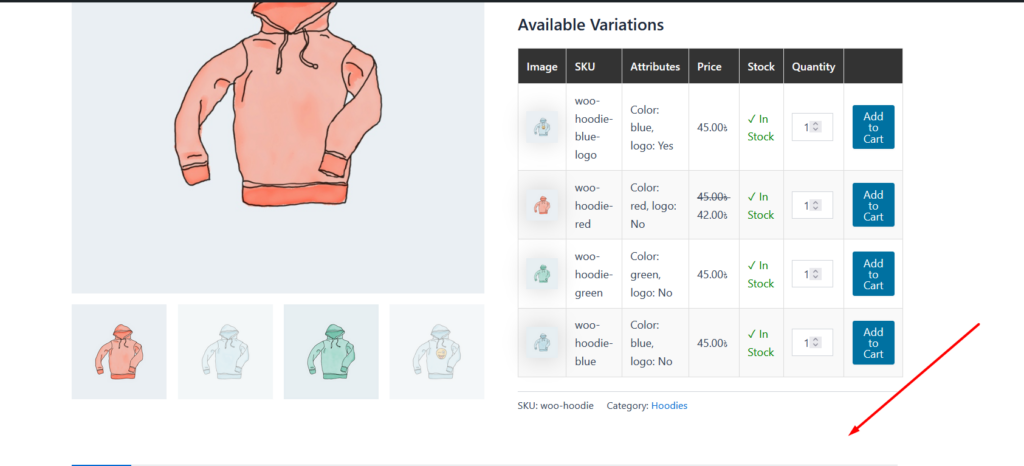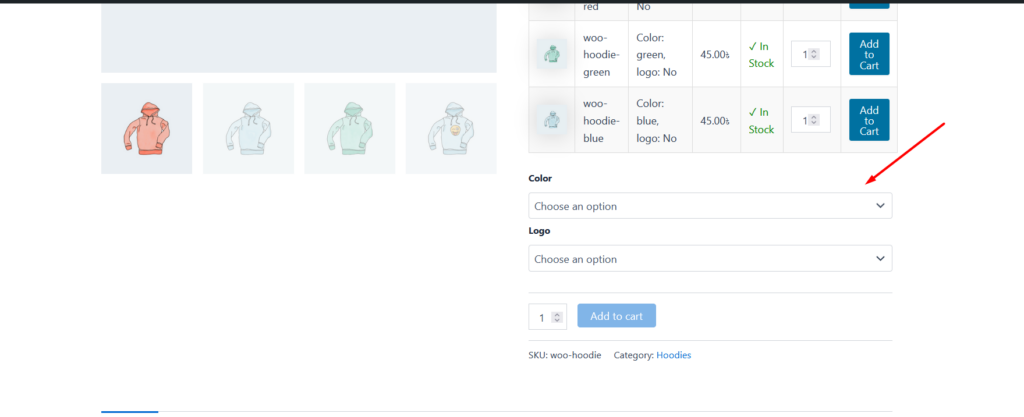
You can easily hide WooCommerce default variation from. for that, you need to go to Variation product table settings page check Hide Default Variation Form. Check below screenshot.
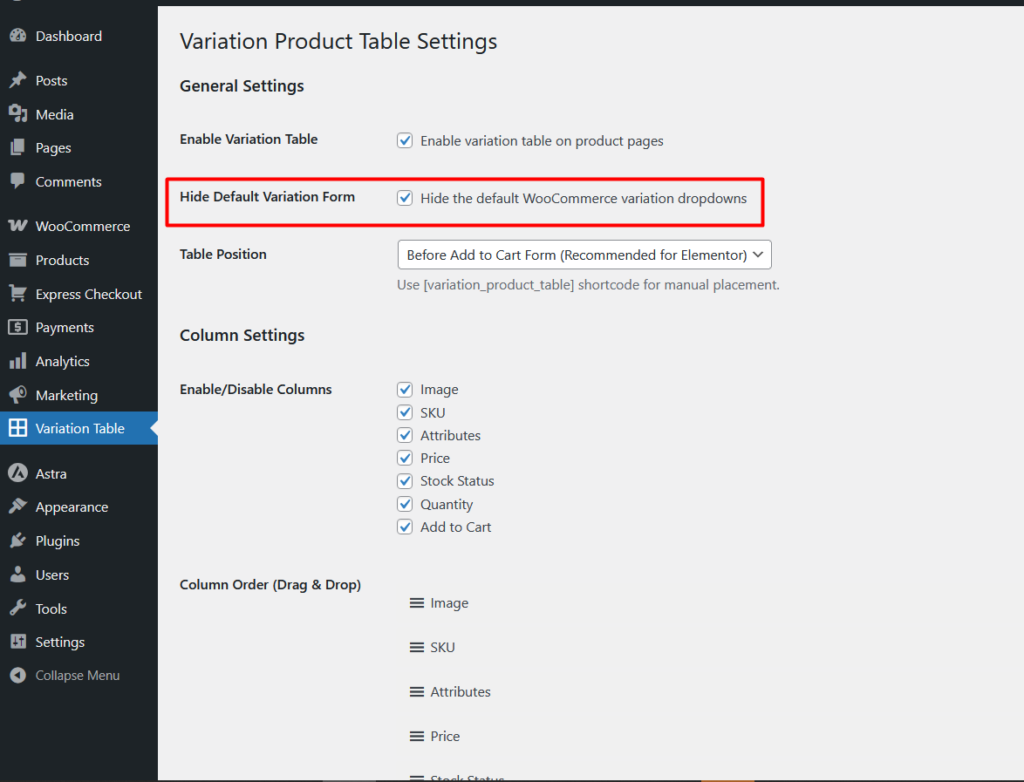
after enable this you will see the default variation from will be hide.